# Adding a New Person
> Source: https://help.loafly.io/adding-a-new-person | Updated: 2026-08-04T15:43:09Z
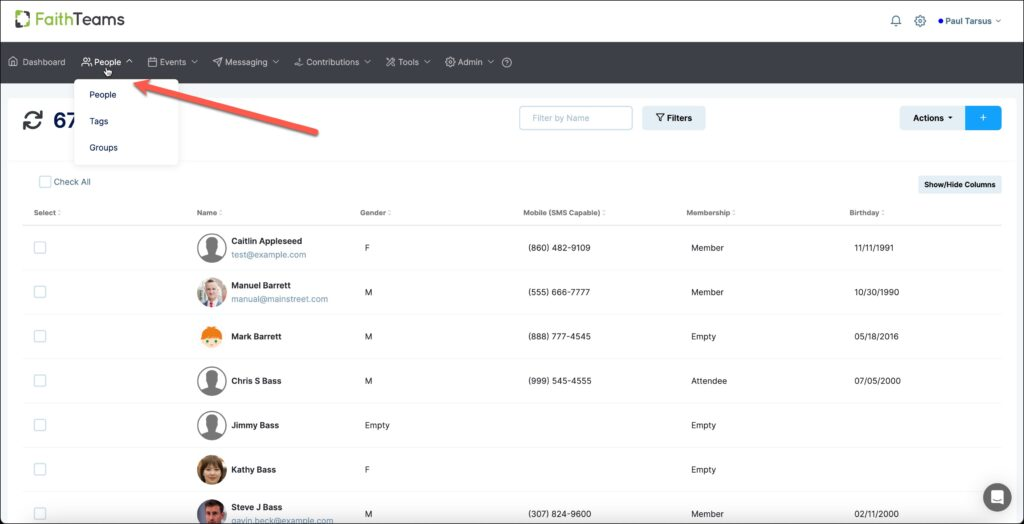
1. Hover your cursor over the ‘People’ tab in the menu and then click on People in the pull down menu.
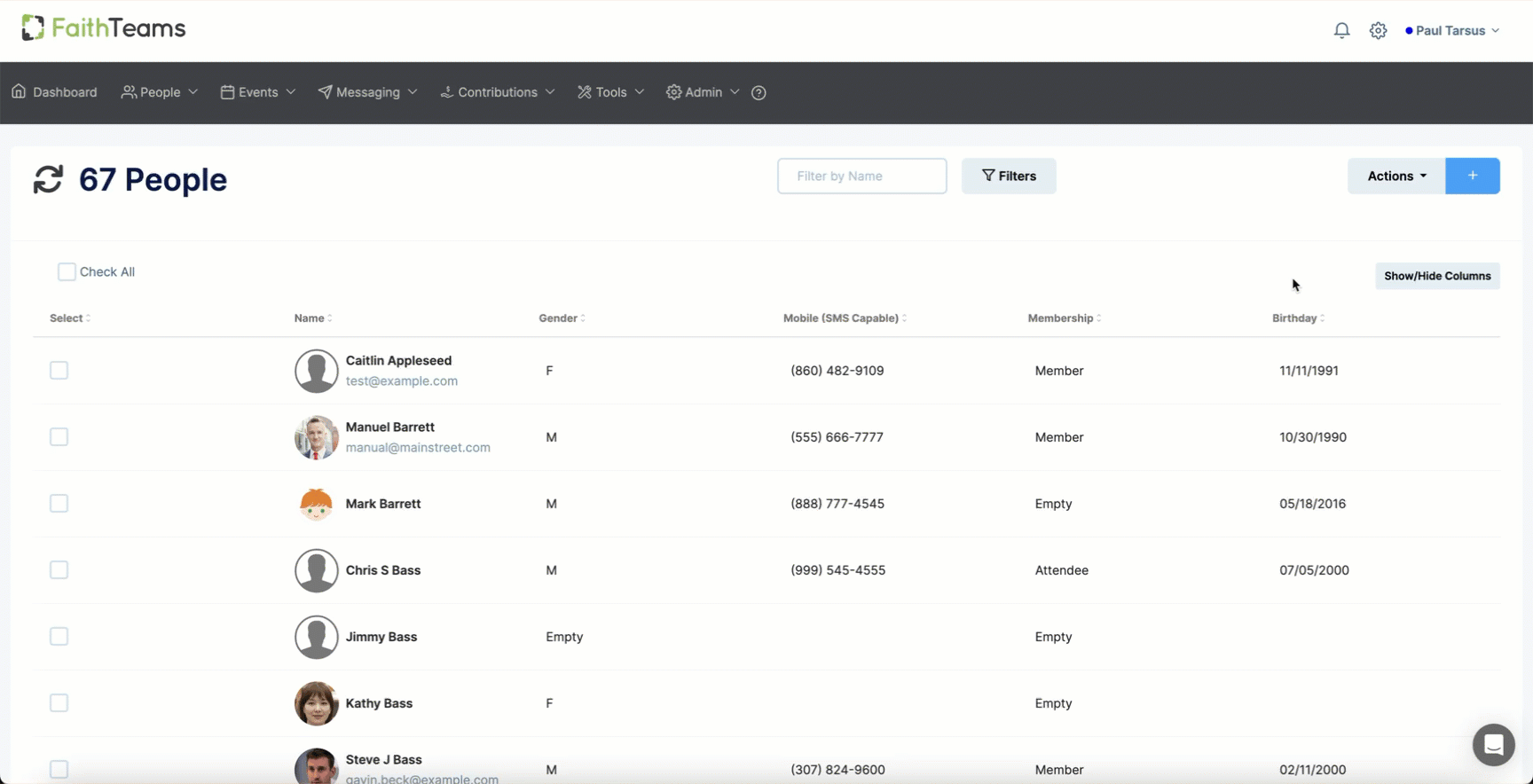
2. Click the “Blue Plus” symbol in the right hand corner of the screen.
3. Input as much information as you want for this person.
4. Click “Save.”
Once you click “Save”, you’ll be able to add more information and details about this person.
 2. Click the “Blue Plus” symbol in the right hand corner of the screen.
 3. Input as much information as you want for this person.
4. Click “Save.”
Once you click “Save”, you’ll be able to add more information and details about this person.
3. Input as much information as you want for this person.
4. Click “Save.”
Once you click “Save”, you’ll be able to add more information and details about this person.