# Group Categories
> Source: https://help.loafly.io/group-categories | Updated: 2026-08-04T15:43:09Z
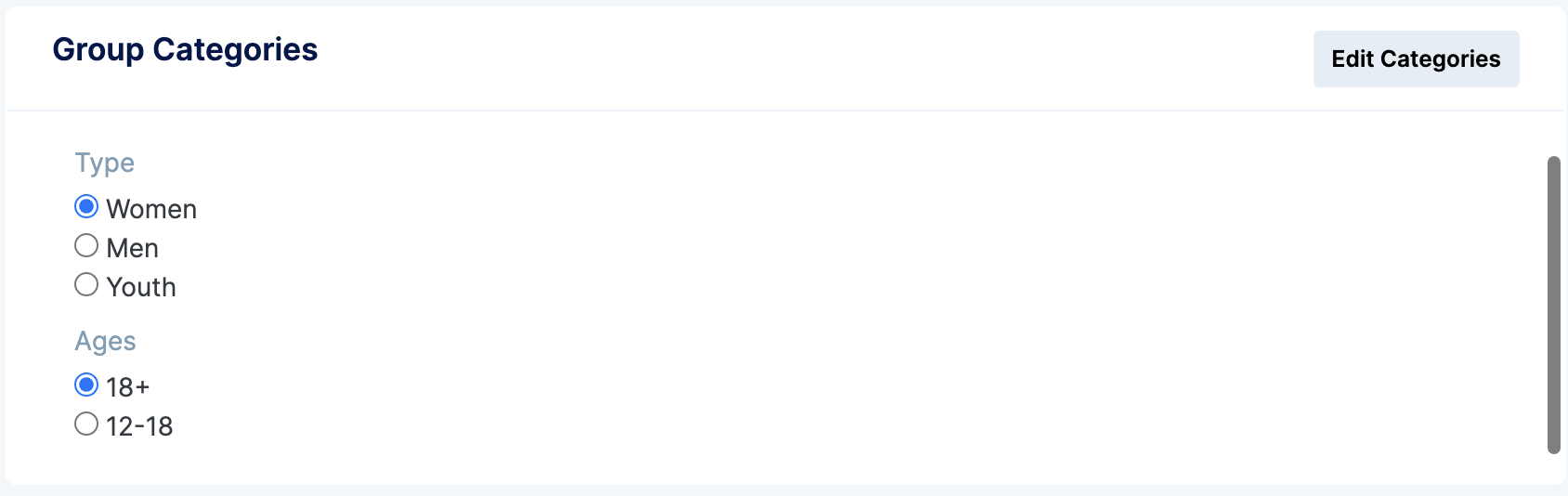
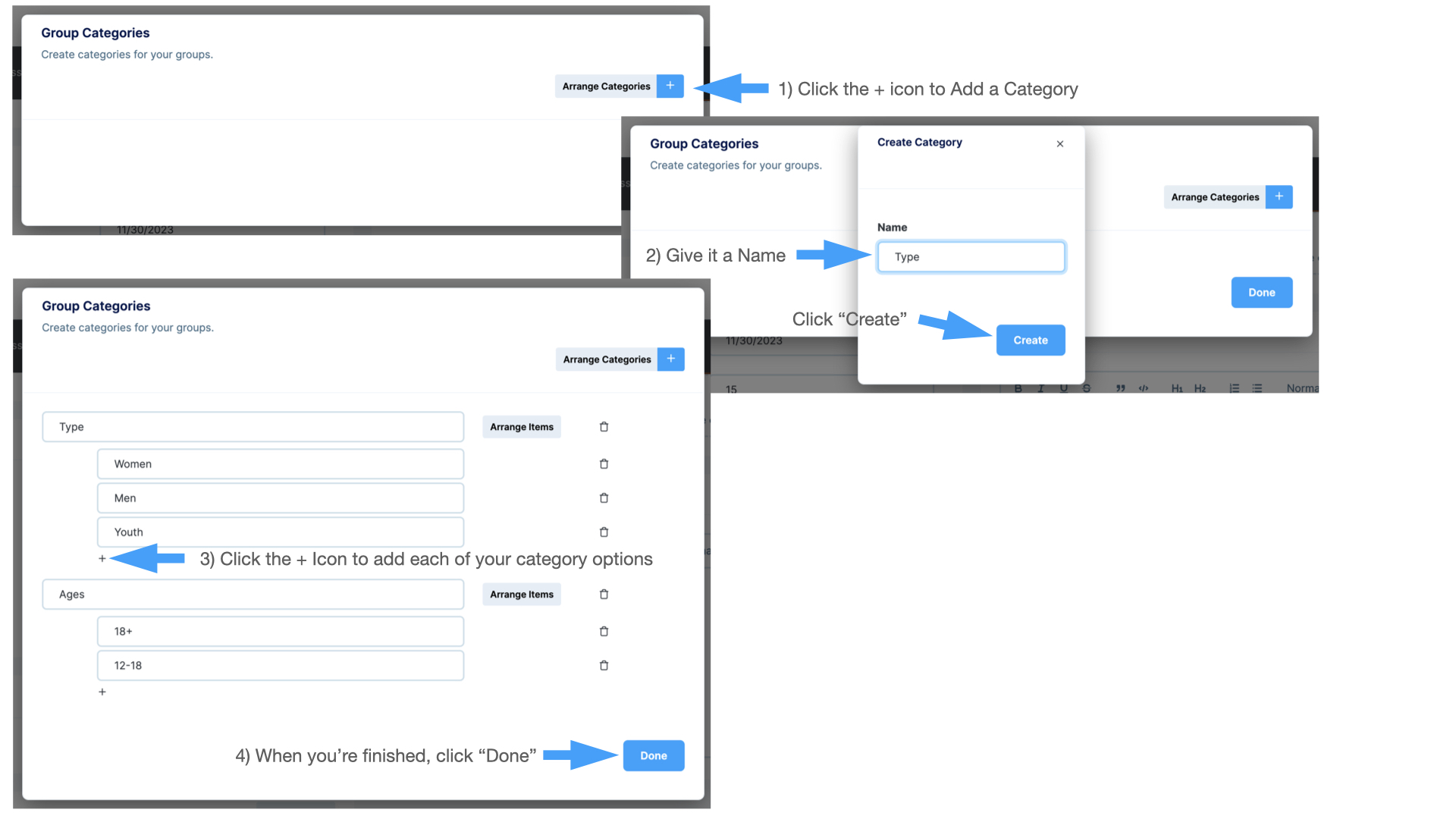
Group Categories allow those who wish to signup for a group to filter the groups by category.
Some category examples include:
- Type: Women’s, Men’s, Youth, Senior’s
- Ages: 18+, 12-18, 55+
- Interests: Prayer, Fellowship, Dining, Travel, Sports
Group categories are assigned to a group to aid in filtering a list of groups to find a good match for the person signing up.
 **Creating Group Categories**
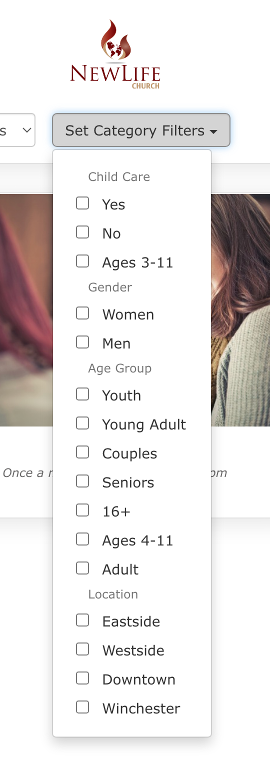
From the Group Settings Page in the Group Categories section click the “Edit Categories” button
1. To create a new Category, click the blue + icon
2. Type a category name (Age, Interests, etc.) and click “Create”
3. Click the + icon directly underneath the category to add options
4. When complete, click “Done
**Creating Group Categories**
From the Group Settings Page in the Group Categories section click the “Edit Categories” button
1. To create a new Category, click the blue + icon
2. Type a category name (Age, Interests, etc.) and click “Create”
3. Click the + icon directly underneath the category to add options
4. When complete, click “Done
 Once you have created your needed categories, select the option next to each category your group falls within